Relief instead of additional work
Digital solutions must not make everyday work more complicated. Sensibly connected systems reduce manual lists, follow-up questions and duplicate data maintenance.

We develop production-ready solutions that make administrative processes, data flows and school leadership easier, more transparent and more reliable — with Microsoft 365, Power Apps, Power Automate and WebUntis.
The value does not come from individual apps alone, but from the interaction of school administration data, clear roles, Microsoft 365, Power Apps, Power Automate and WebUntis. This turns recurring tasks into processes that can be steered reliably over time.
Existing school data is used in a structured way and updated regularly.
Responsibilities and access rights are represented in a way that leadership teams can steer deliberately.
Power Automate handles recurring steps, updates, notifications and review processes.
Power Apps make complex workflows usable for concrete tasks in schools.
Digital transformation in schools rarely fails because there are too few tools. More often, data is maintained multiple times, responsibilities remain unclear and good individual solutions are not turned into stable processes.
Digital solutions must not make everyday work more complicated. Sensibly connected systems reduce manual lists, follow-up questions and duplicate data maintenance.
Leadership teams need clarity: Who has access? Which processes are running? Where do errors occur? Which data is current?
Spreadsheets, mail workflows and file structures are transformed into repeatable, documented and permission-aware processes.
The solutions are built for everyday school operations and are in production — with documentation, role models and repeatable workflows.
New digital solutions emerge where recurring tasks, media breaks or unclear responsibilities become visible. This area collects development ideas, assesses their value for schools and turns them step by step into reliable processes.
The following examples show how digital solutions for schools reduce administrative effort, make data usable and support pedagogical or organizational decisions.
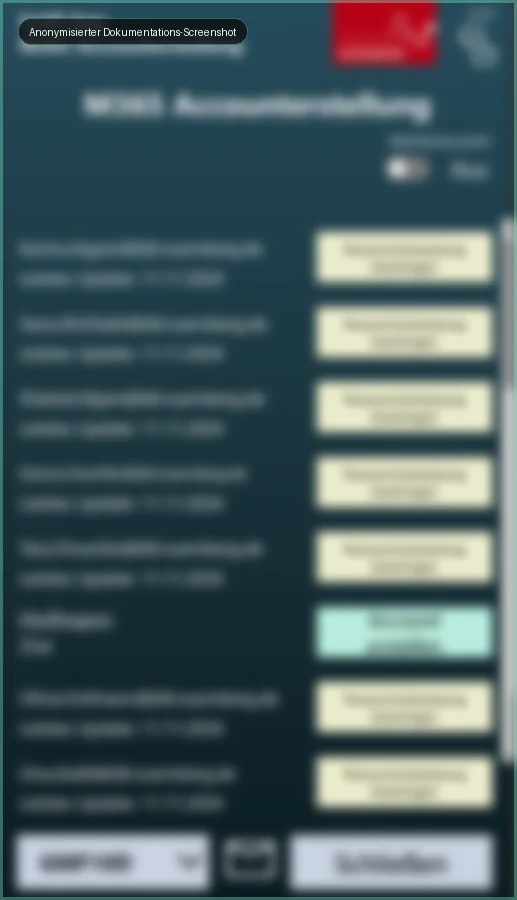
Status overviews, account processes and password resets become more transparent, faster and less dependent on manual case-by-case handling.
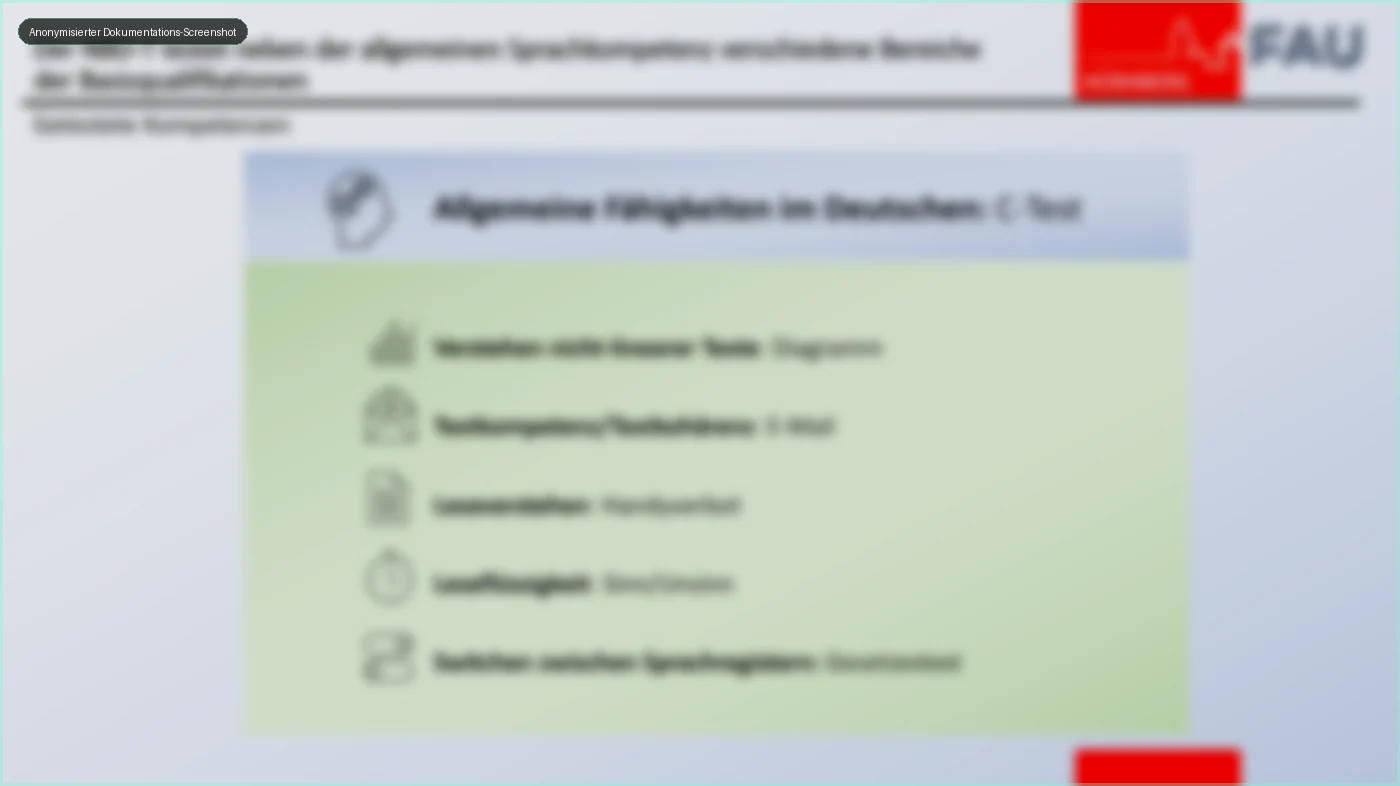
The German language test makes language support needs visible early and helps schools derive concrete next steps for support, counselling and teaching development.
An administration-focused work surface brings together class information, lists, absences and recurring organizational tasks.
Updates, absences and data flows become more structured, more reliable and less manual with WebUntis.
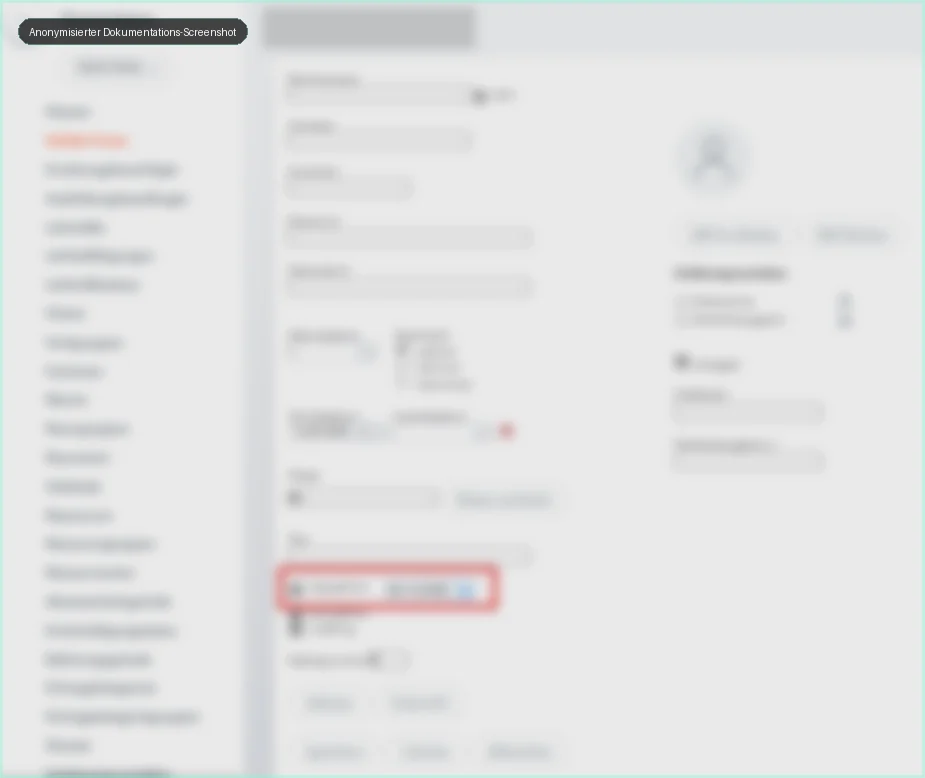
Clear responsibilities, transparent permissions and controllable access rights create the foundation for reliable operations.
Registrations, uploads, filing and further processing of documents are structured for each school and reduce manual follow-up work.
Transitions between schools become more transparent so that students can be identified earlier and supported more appropriately.
Feedback, self-assessment, peer assessment and further diagnostic processes support more targeted learning support and data-informed school development.
Status, orders, processing states and overviews are represented digitally so that administrative processes can be tracked more effectively.
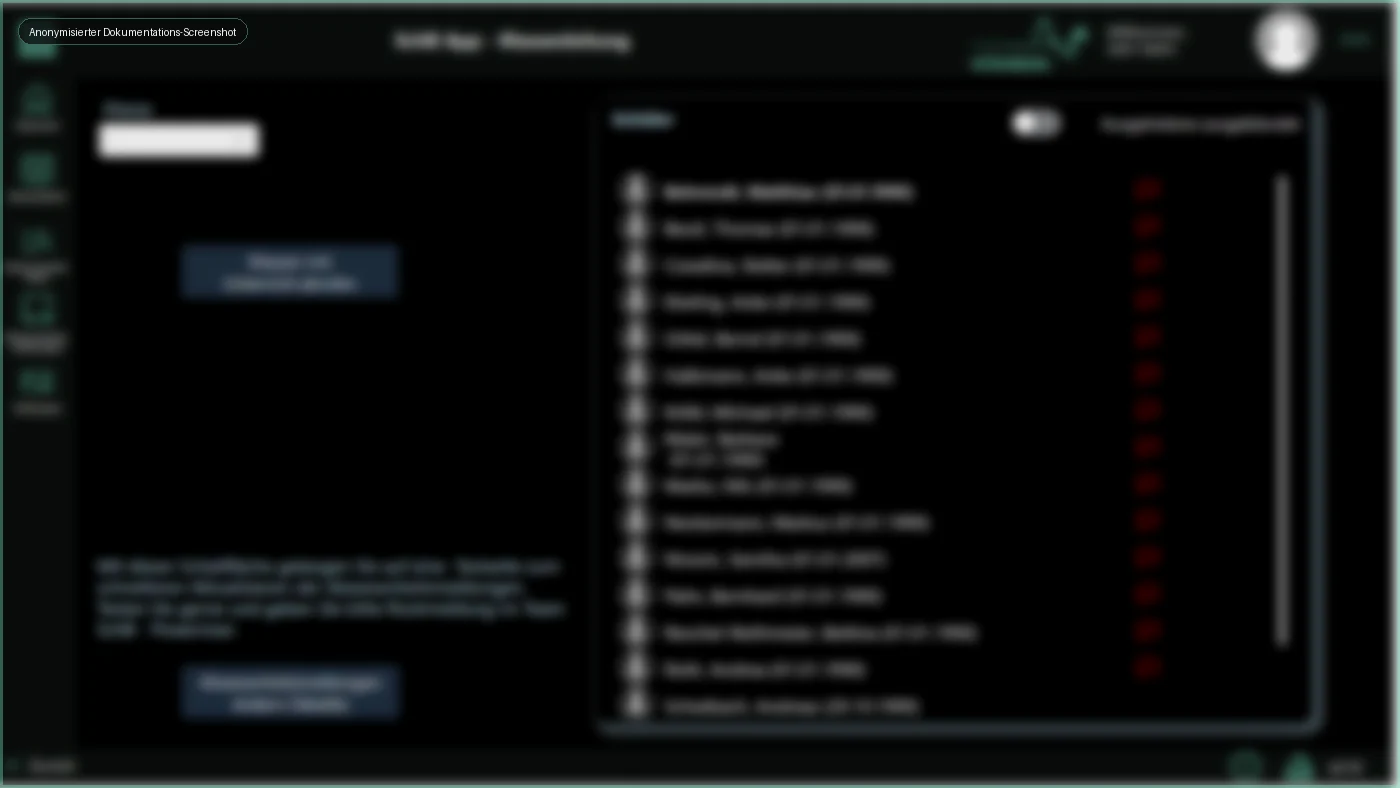
The following screenshots come from documentation and have been anonymized for the public review version. Names and personal details are intentionally unreadable.
Some areas can already be prepared even if individual links, sources or booking systems still need to be added.
A clear entry point for schools that want to learn about the German language test or request their own test process. The final link can be added later.
A prepared booking page currently routes to contact and can later be connected to Microsoft Bookings or another scheduling tool.
A section for research references and newspaper articles is prepared. Approved sources, PDFs or links can be made visible there.
The homepage now shows the digital journey as a clickable visual: explore, start and improve link to the relevant next steps.